Changelog
New Feature Introducing Earn

Earn is the simplest way to put your assets to work in Aave Pro.
Choose an asset, deposit into a hub, and start earning yield. If you decide to borrow later, you can use your Earn position as collateral without starting over.
New Feature Tokenised Stocks
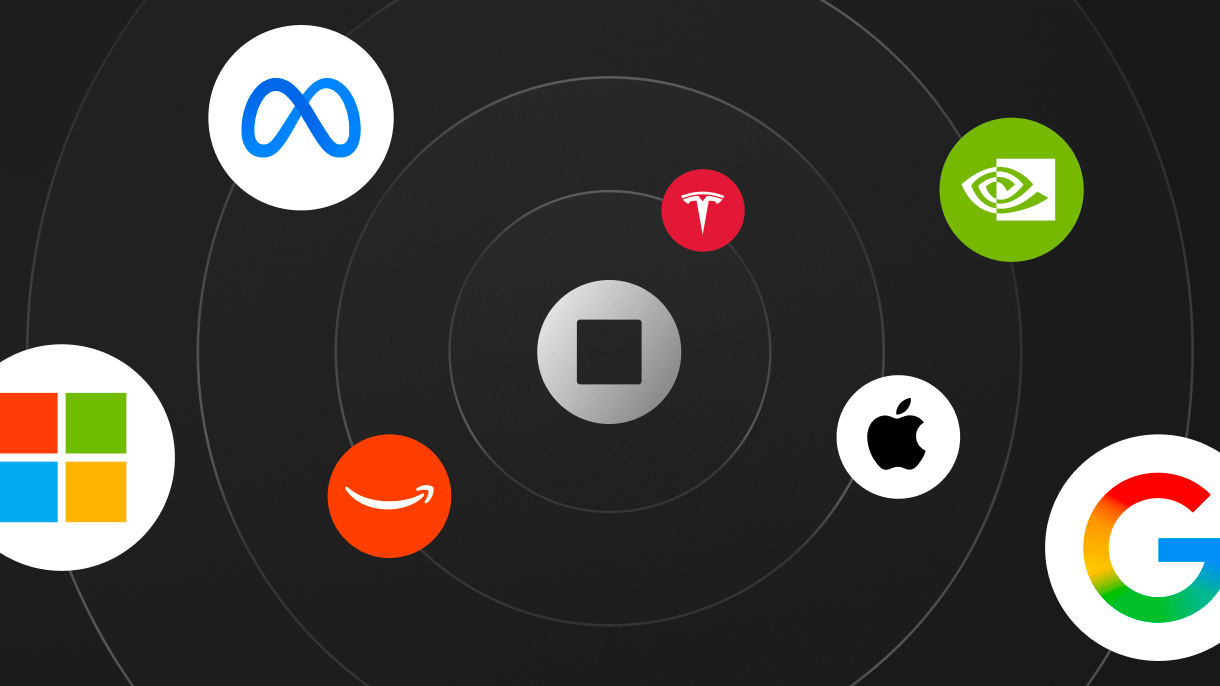
Tokenised stocks are now available on Aave Pro, bringing onchain exposure to leading public companies alongside crypto assets.
What’s New
- Access tokenised equities from leading public companies.
- Supply eligible equities to earn yield.
- Use supported equities as collateral to borrow.
- Keep your equity exposure while accessing onchain liquidity.
- Manage equities and crypto assets together within Aave Pro.
Tokenised equities expand the range of real-world assets available on Aave Pro. Eligible assets can be supplied, used as collateral, and integrated into your existing positions — giving you more ways to put your portfolio to work onchain.
New Feature Arc now available on Aave Pro

You can now deposit, borrow, withdraw, and repay on Arc, the open Layer-1 network Circle built for stablecoin finance. Arc joins Ethereum and Avalanche in Aave Pro from the day its mainnet opens.
Choosing Arc works the same way as any other network. Pick it inside the deposit, borrow, withdraw, or repay flow, with the balance and rate for each network shown so you can compare before you confirm. Your wallet balance and an asset’s totals aggregate across every network, and the network selector lets you narrow to Arc or view them together.
Open any asset from the market to start using Arc.
New Feature Avalanche now available on Aave Pro

You can now supply, borrow, withdraw, and repay on Avalanche, the first network to join Ethereum on Aave Pro. This update lays the groundwork for more networks which will follow over time.
When you supply, borrow, withdraw, or repay, you pick now the network to transact on, with the balance or rate for each shown so you can compare before you confirm.
Each asset has a single page covering both networks. Total deposits, total borrows, with your combined wallet balance aggregate across them. The new network selector lets you focus on one network or view both together.
Your wallet balance for an asset is merged across networks rather than split apart, so you see everything you hold in one place. Open any asset from the market to start using Avalanche.
New Feature Merkl Rewards

Merkl rewards are now integrated into Aave Pro. Active campaigns lift your supply APY or discount your borrow rate, with reward data woven alongside reserves, positions, and risk.
Incentives Across the Market
Every reserve page now lists the reward campaigns running on that asset, and the rates shown across the interface already reflect anything you qualify for. A breakdown on each rate lays out the base APY, any Risk Premium impact, and the individual contribution from each reward.
Track and Claim in One Place
A new Rewards section on the dashboard lists every reward you’ve accrued, with a Claim button on each row and a Claim All Rewards action to batch everything into a single transaction. Programs are initiated by the Aave DAO and distributed by Merkl, with eligibility recalculated roughly every eight hours.
Head to the dashboard to see what you can claim, or open any reserve page to browse the active campaigns.
New Feature Watch Wallets
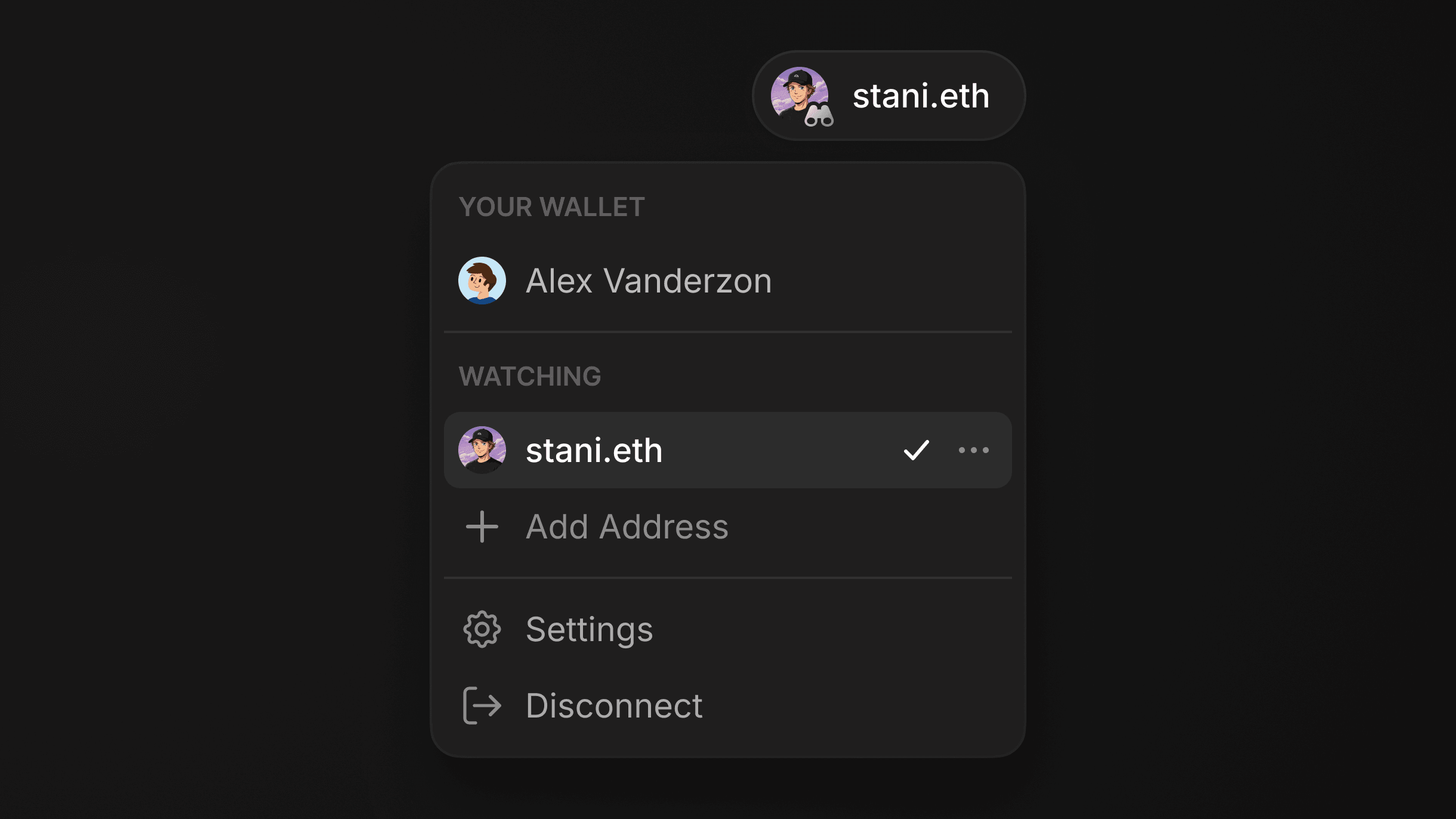
You can now monitor any Ethereum address without connecting it. Watch wallets give you a read-only view of positions, balances, and activity for any address you care about.
Track Any Address
Add a wallet by pasting an address or entering an ENS name (e.g.
vitalik.eth). Once added, you see the same position and balance data as a connected wallet, just without the ability to transact. A watch-only mode guard blocks transaction attempts and prompts you to switch back to your connected wallet if you try.Personalise Your Wallets
Both watched wallets and your connected wallet support custom names and avatars, stored locally per account. A new account page gives you a single place to manage your connected wallet profile and all your watched addresses.
Switch Between Wallets
The connection dropdown now has separate sections for connected and watched wallets, so switching context is quick. On first use, a guided tooltip explains watch-only mode and how to move between wallets.
New Feature Reserve Page
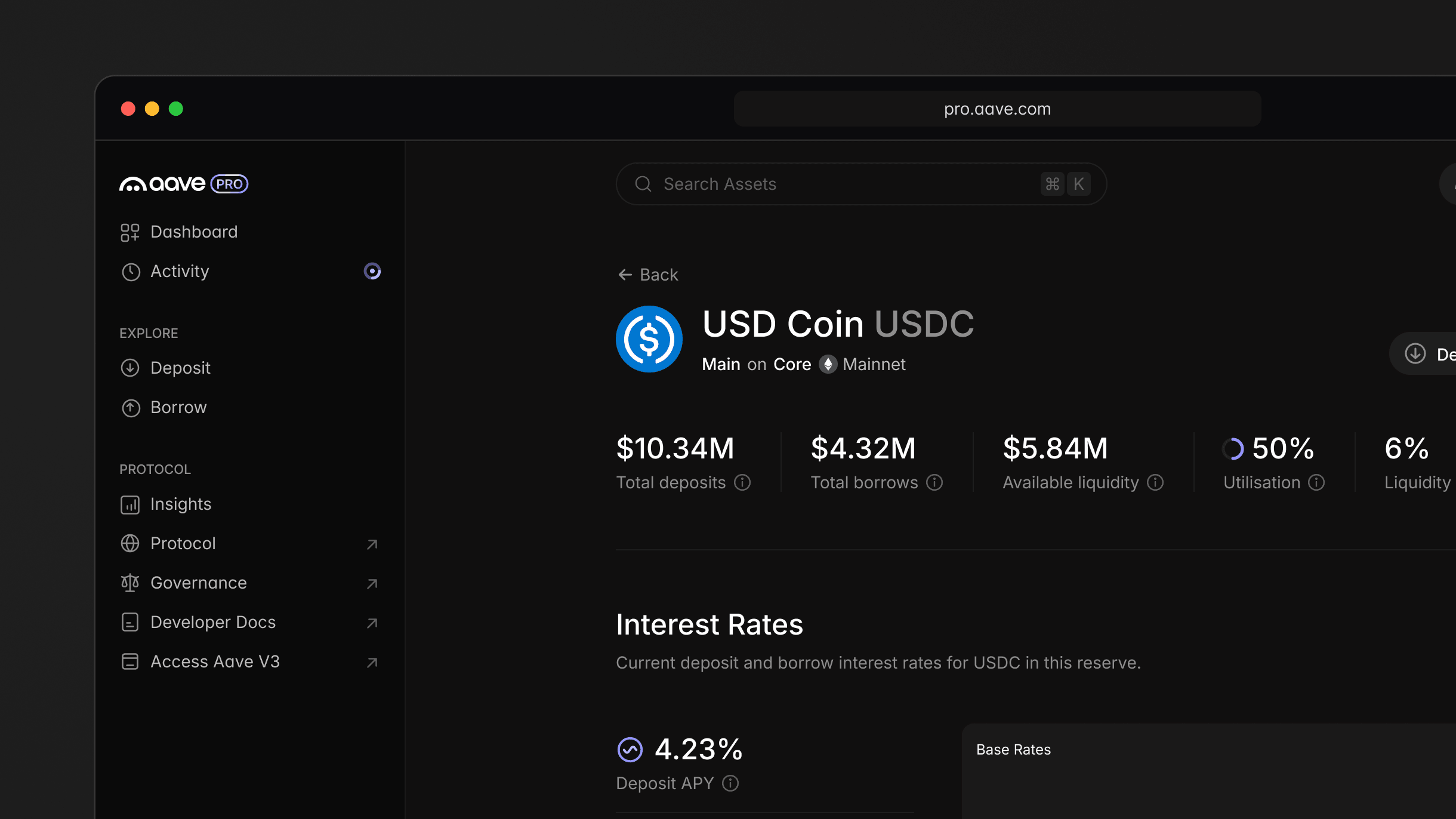
Every reserve on Aave v4 now has its own detail page. Total supplies, total borrows, available liquidity, utilisation, and liquidity fee are visible at a glance, along with the historical rates, risk parameters, and position data you need to make informed decisions.
See How Rates Move
Historical APY charts cover both supply and borrow rates across 1D, 1W, and 1M windows. Below them, an interactive interest rate model visualisation maps how rates respond to changes in utilisation, with the current operating point, optimal utilisation threshold, and slope parameters all visible on the curve.
Understand Collateral Relationships
Each reserve page surfaces the full collateral picture. A supported collateral section lists every asset the protocol accepts as collateral for that borrow alongside its collateral factor, and a borrowable assets section shows everything you can borrow against your deposit. The tables link directly to other reserve pages, so you can explore relationships across the market without leaving the flow.
See the Market and Your Position
A top addresses section breaks down the largest suppliers and borrowers by position size, useful for evaluating concentration or market depth. If you hold a position in the reserve, your supply balance, borrow balance, and accrued rewards appear inline with direct links to supply, borrow, withdraw, or repay. Supply and borrow caps display with progress indicators so you can see how much capacity remains.
Open any asset from the market to explore the new page.
New Release Mainnet Release
Aave Pro is now live on mainnet. After months of testnet iteration and community feedback, we’re thrilled to bring the full Aave v4 protocol experience to production.
What You Can Do
Supply and borrow assets, manage positions across spokes, and take advantage of the Risk Premium and Dynamic Risk Configurations features that define Aave v4. Everything you tested on devnet is now running against real markets with real liquidity.
Shaped by the Community
Your feedback during testnet was invaluable. It informed how we handle position management, how we surface risk parameters, and how the interface communicates protocol mechanics. Thank you to everyone who tested, reported issues, and pushed us to get this right.
New Release Developer Preview
We're introducing Aave Pro, our interface for the Aave v4 protocol, starting with testnet. Connect your wallet, interact with testnet assets, and explore the spoke-based position management model that defines Aave v4.
A New Interface for a New Protocol
Aave v4 introduces a Hub-and-Spoke architecture where users hold positions on individual spokes, each with its own reserves and risk parameters. Aave Pro is built around this model from the ground up. You can supply and borrow across spokes, manage multiple positions with the same underlying asset, and see how Risk Premium and Dynamic Risk Configurations affect your rates.
Built on Testnet First
This is a developer preview, running entirely on testnet. We're releasing early so the community can explore the interface, test flows, and share feedback before mainnet. If something feels off or could work better, we want to hear about it.
You’ve reached the end, which is also the beginning.